To update your payment method, it just takes a couple of minutes:
1. Go to https://app.collatracking.com/account/billing and log in if necessary.
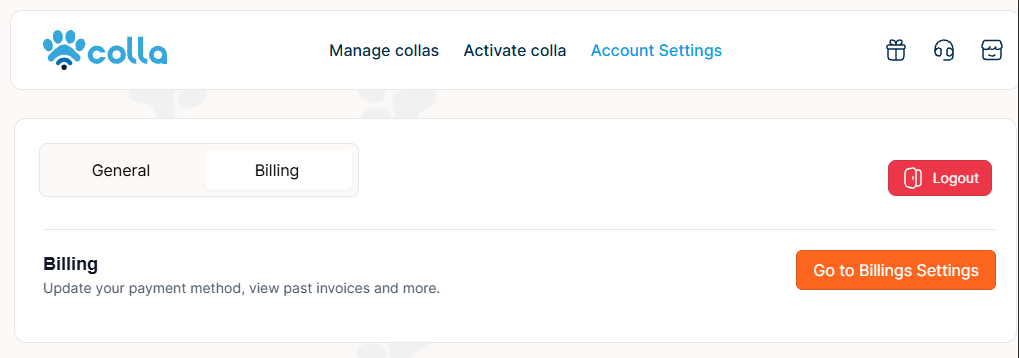
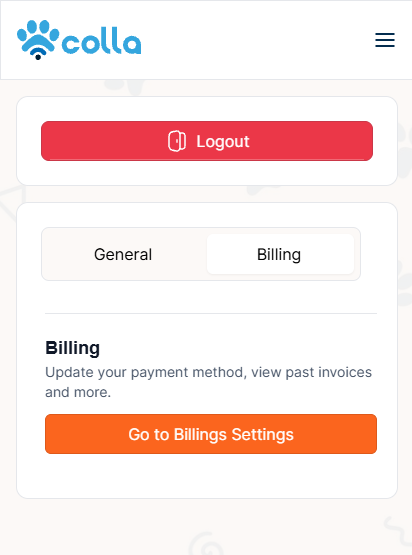
2. Click "Go to Billing Settings" (You will be redirected to your billing portal.)
Desktop View
Mobile View
4. You will be redirected to your billing portal.
5. Scroll down the page to view all invoices, where you can view and download them.
Was this article helpful?
That’s Great!
Thank you for your feedback
Sorry! We couldn't be helpful
Thank you for your feedback
Feedback sent
We appreciate your effort and will try to fix the article