If you want to know when your pet is nearby your home at a glance, you can set your home location.
This will show "Home" instead of your full address when your pet is nearby.
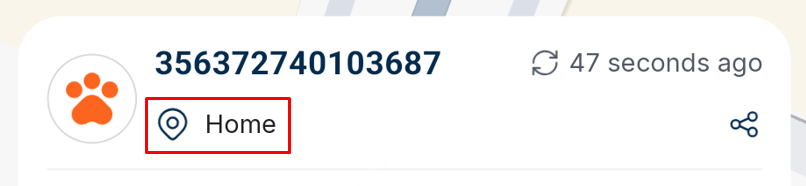
This will also add the Home Icon to the home screen that will let you pan the map to the Home location you set.
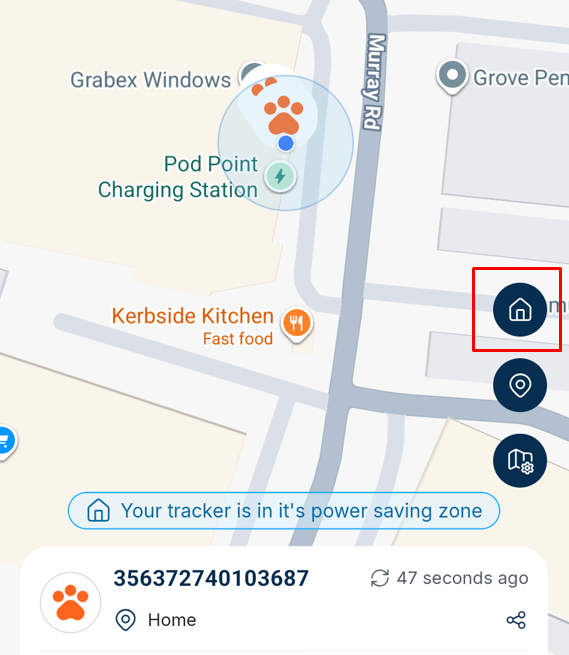
1. Go to the Pets tab. If you have multiple pets, select your pet at the top right.
2. Under Safety and Location, select the Set Home Location item
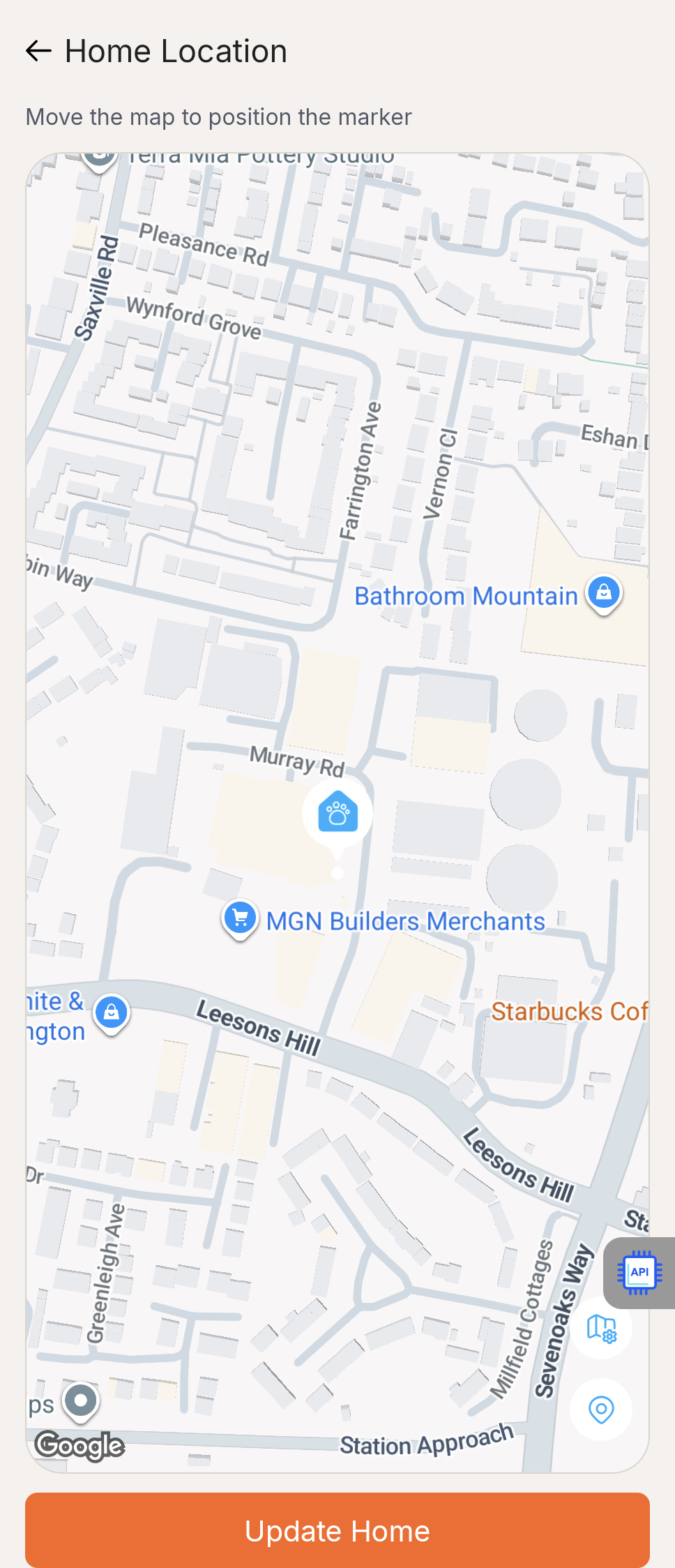
3. You will then see a map with a marker in the middle. Drag the map until your home is in the centre of the screen and then press Update Home.
Was this article helpful?
That’s Great!
Thank you for your feedback
Sorry! We couldn't be helpful
Thank you for your feedback
Feedback sent
We appreciate your effort and will try to fix the article